Never lose a take to Wi-Fi
Your scripts live in your browser, not on a server. If the Wi-Fi dies thirty seconds before air, nothing changes. No cloud dependency, no loading screens, no "connection lost" mid-sentence.
The teleprompter that works every time.
On Air
For YouTubers, podcasters, educators, and production teams who need a prompter that just works. One tab. One click. You're on air.
Three steps. No install. No account.
Step 1
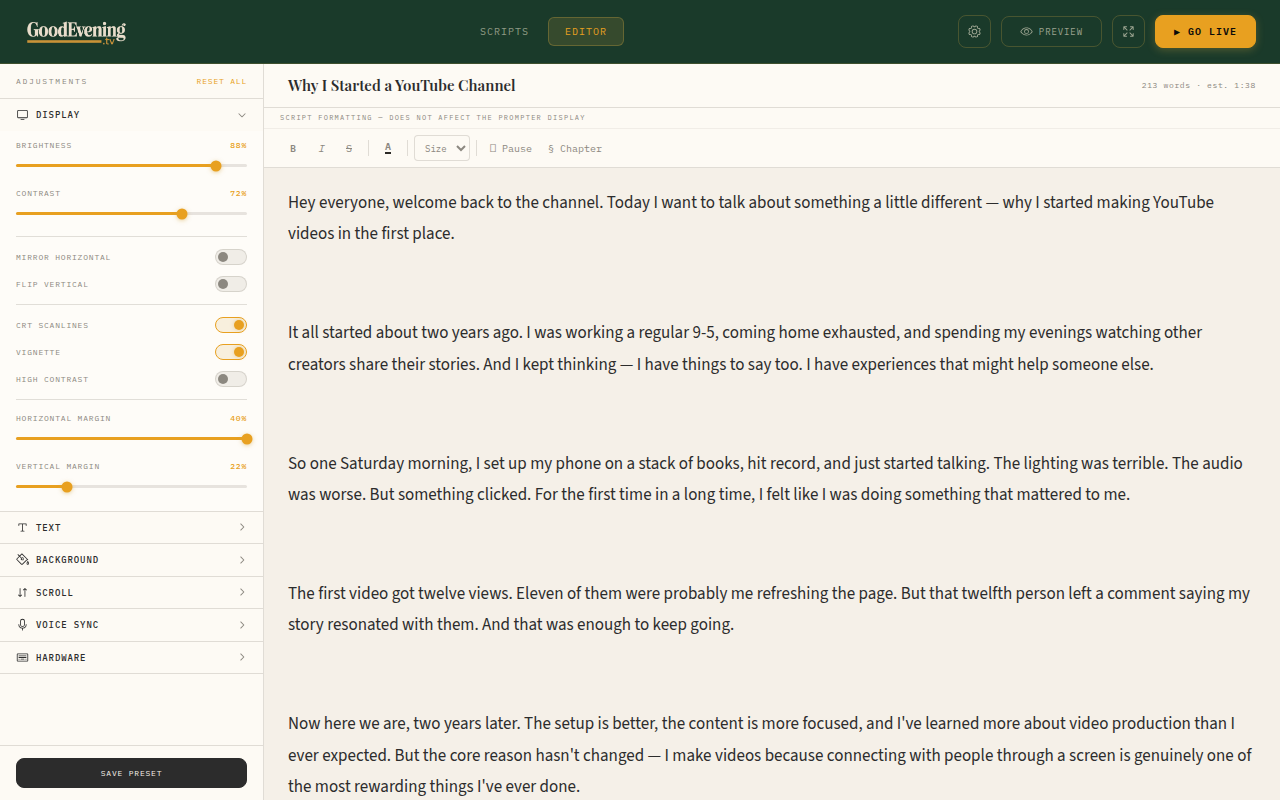
Copy from Google Docs, paste into the editor. Formatting carries over. Your scripts stay in your browser — no cloud account needed.
Step 2
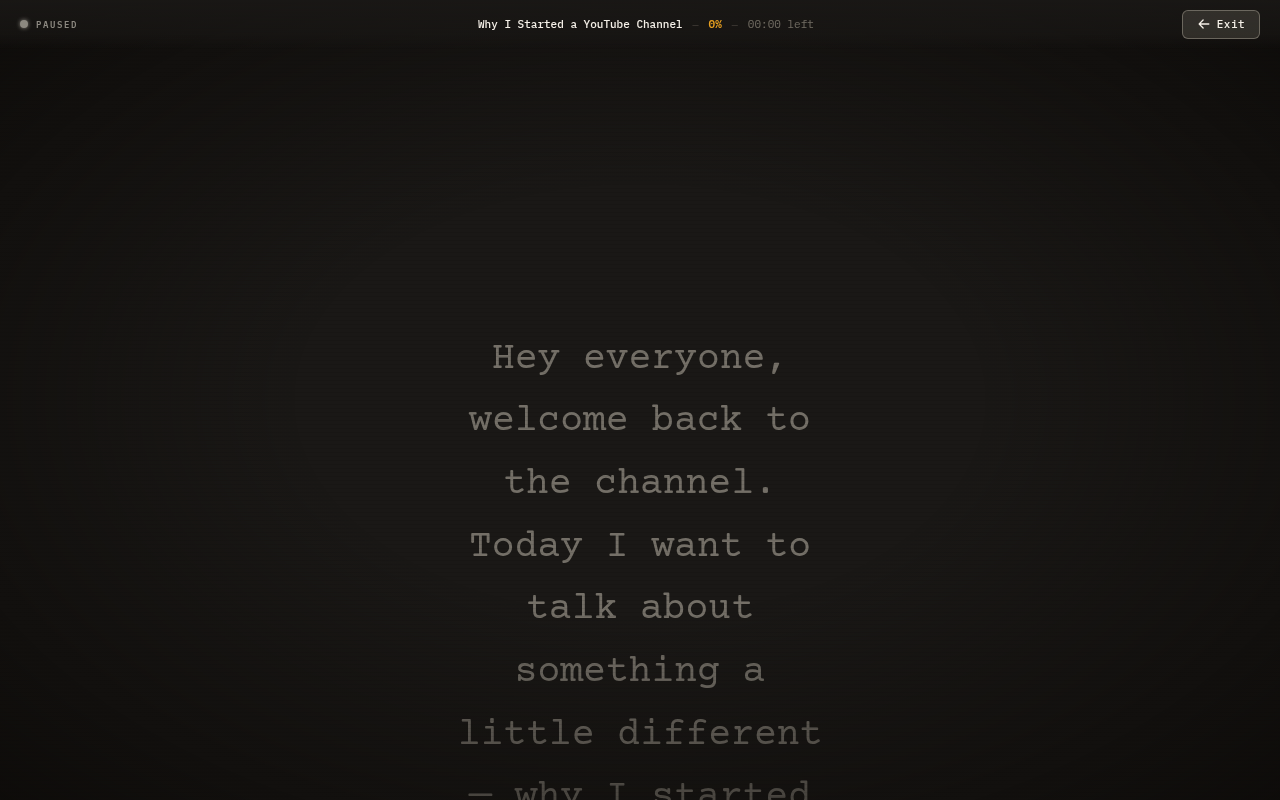
One click opens a full-screen teleprompter on any display. Smooth scrolling, focus line, mirror mode — all built in.
Step 3
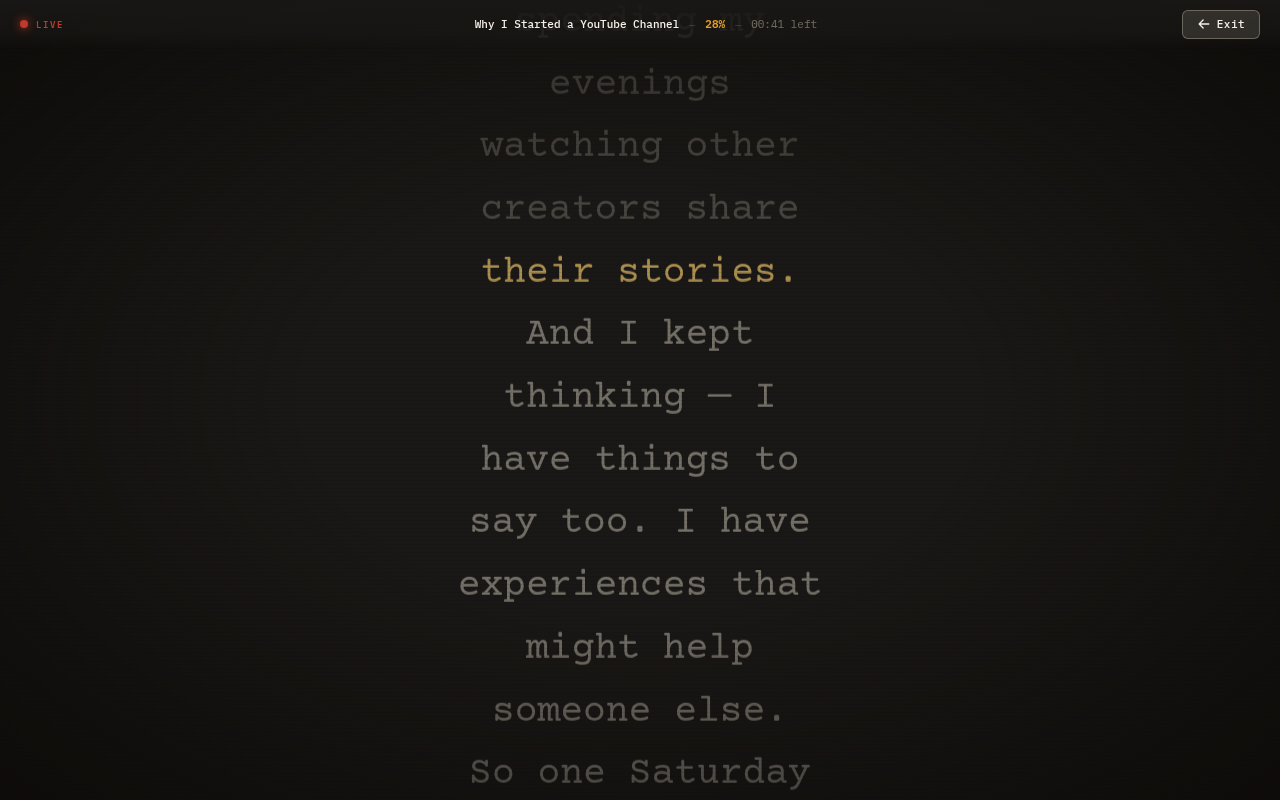
Voice Sync follows your pace automatically. Pause and the script waits. No foot pedal, no constant speed adjustment.
A full production toolkit that runs in a browser tab.
Editor
A distraction-free editor with rich text, section markers, and per-script settings. Paste from Google Docs and your formatting carries over. Organize everything in a script library with folders and search.
Prompter
Full-screen prompting with smooth scrolling, a focus line, and mirror mode. Voice Sync follows your natural pace — pause and the script waits, speed up and it keeps up. No foot pedal required.
Remote Control
Scan a QR code and your phone becomes a remote control. Play, pause, adjust speed, and jump between sections — all without touching the prompter screen. No app to install.
Cloud Sync
Sign in and your scripts sync across every device in real time. Edit on your laptop, present from your studio machine. Version history lets you track every edit and roll back anytime.
Automation
Control the prompter programmatically with the REST API. Trigger play, load scripts, and adjust settings from Stream Deck, Bitfocus Companion, or your own tools. Built for studios that automate everything.
01
You forgot a line halfway through a 10-minute video. Now you're re-recording the whole thing, matching the lighting, re-doing your hair, pretending it's still the same session.
02
Your eyes dart to a sticky note on your monitor. Your viewers notice. The comments say "just use a teleprompter." But the one you tried crashed twice and needed a GPU you don't have.
03
You bought a hardware prompter. The bundled software shows "Getting Ready..." for the fourth time this week. Reddit says to restart your computer. You have 20 minutes before your guest joins the call.
Every feature exists because the alternative failed someone mid-broadcast.
Your scripts live in your browser, not on a server. If the Wi-Fi dies thirty seconds before air, nothing changes. No cloud dependency, no loading screens, no "connection lost" mid-sentence.
Elgato Prompter, external monitor, a second browser tab, or your phone as a remote control. Any screen with a browser becomes a teleprompter. No proprietary hardware lock-in.
Pause mid-sentence and the script waits. Speed up and it keeps pace. No foot pedal, no fixed scroll speed that's always slightly wrong. Works in any browser — no GPU requirements.
Open a tab. Paste your script. Go live. No account, no credit card, no trial period. The full editor, smooth scrolling, and keyboard controls are free. Forever.
These complaints show up on Reddit every week.
r/streaming
"Voice Sync gets stuck on 'Getting Ready' and never starts. I've tried reinstalling, updating drivers, nothing works."
GoodEvening.tv Voice Sync runs in your browser. No drivers, no GPU requirements, no "Getting Ready." It just works.
r/videography
"The prompter software freezes every time I try to edit a script. I have to force-quit and restart. Lost my entire script twice."
Your scripts auto-save to your browser's local storage. Even if you close the tab, your work is still there. No cloud, no crashes, no lost scripts.
r/youtubers
"I just want something that works without needing an NVIDIA GPU or Apple Silicon. My laptop should be enough."
GoodEvening.tv works in Chrome, Edge, or any modern browser. If your laptop can open a browser tab, it can run a teleprompter.
From solo YouTube videos to live keynotes — one prompter for every kind of production.
Scripted videos, tutorials, and talking head — one take, no notes.
Talking points, ad reads, and interview questions — no paper rustle.
Online courses and lectures — teach to camera, not to your notes.
Host reads, producer scrolls — nobody fumbles the next question.
Executive messaging and training — one take, no IT ticket.
Sermons and services — focus on the message, not the paper.
Keynotes and conferences — last-minute rewrites, zero panic.
The best prompter users look like they're making eye contact. GoodEvening.tv helps: the focus line highlights exactly where you are, so your eyes stay in one spot instead of scanning. Adjust the font size until you can read without squinting. Practice twice and your audience won't know.
If you can open a browser tab, you can use GoodEvening.tv. It works with the Elgato Prompter, any external monitor below your camera, a tablet on a stand, or even a second browser window on your laptop. No proprietary hardware required. No special drivers.
You can tape a Google Doc to your monitor. Plenty of creators do. But Google Docs doesn't scroll automatically, doesn't have a focus line, doesn't do voice sync, doesn't mirror text, and doesn't go fullscreen. GoodEvening.tv's free tier gives you all of that — including voice sync — for $0.
We built GoodEvening.tv because we got tired of the same problems.
READY?
Every minute you spend re-recording is a minute you could spend editing, publishing, or making the next one. GoodEvening.tv is free, works in your browser, and takes 30 seconds to set up.
Start Prompting FreeOpen a tab. Paste your script. Go live.